
Appearance
Run an engagement
This page is for: advisors and forward-deployed engineers, who work in the advisor dashboard.
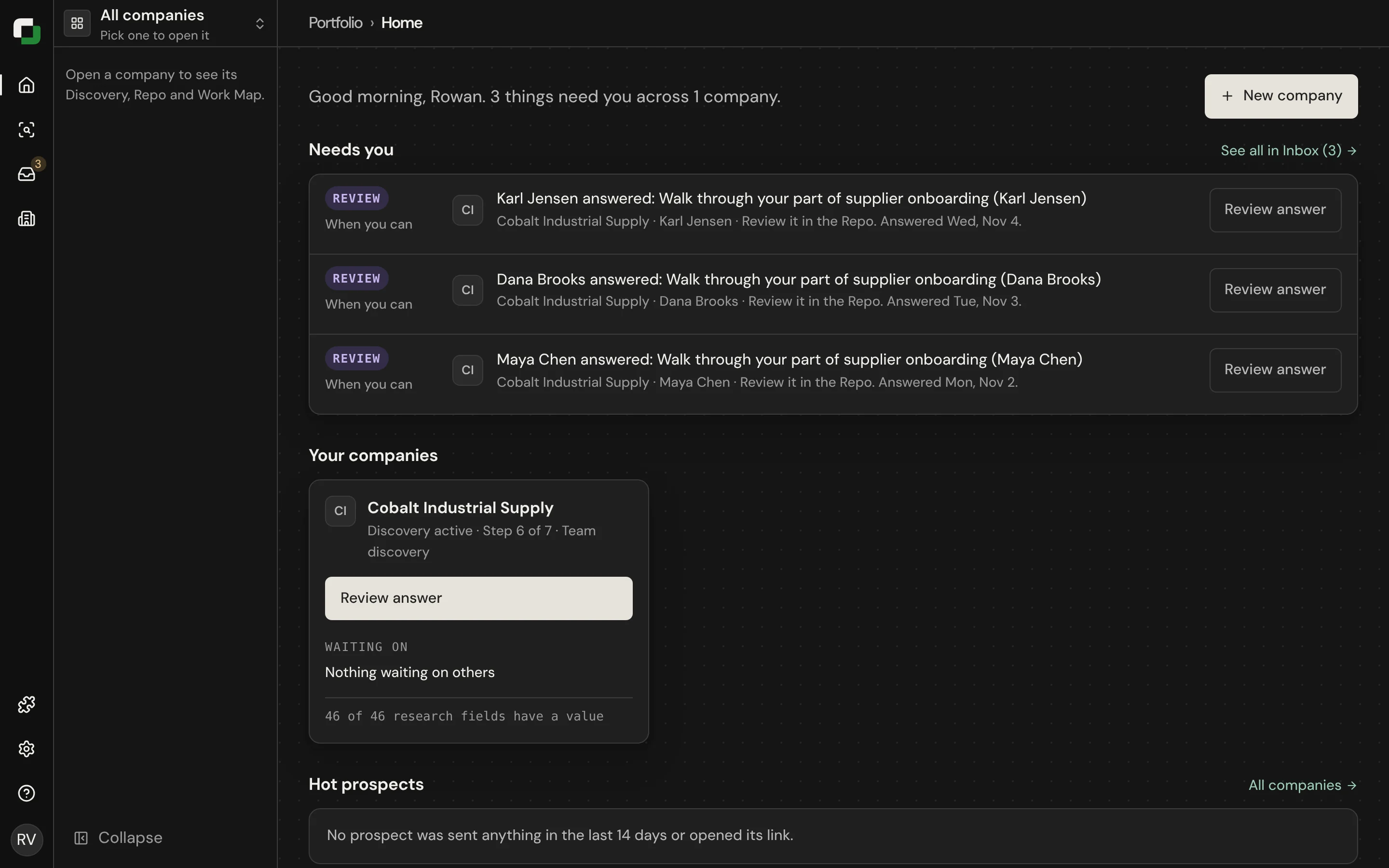
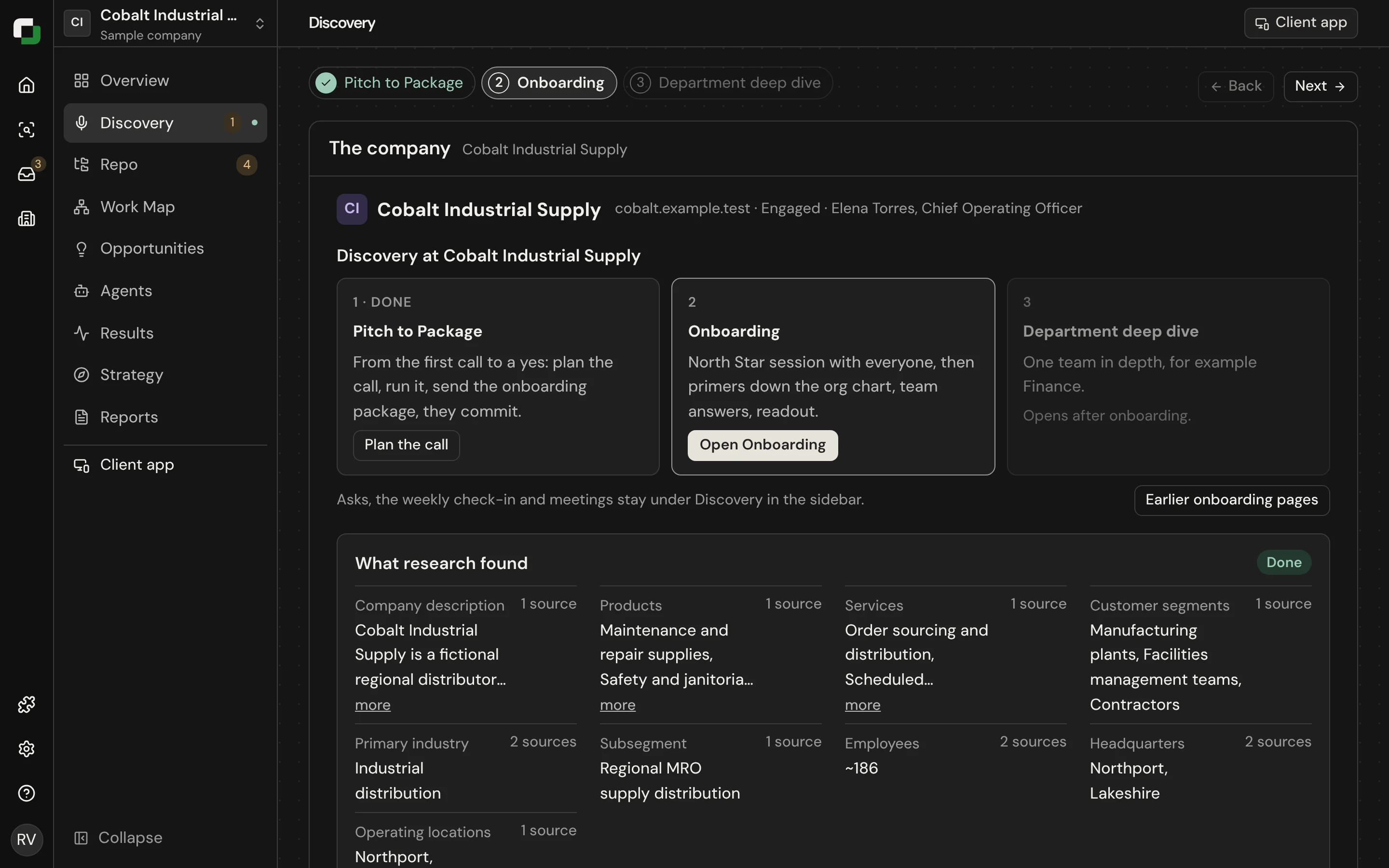
This is the manual for an advisor or forward-deployed engineer (FDE). It follows one engagement from the first call to the Readout, in the order the app shows it.
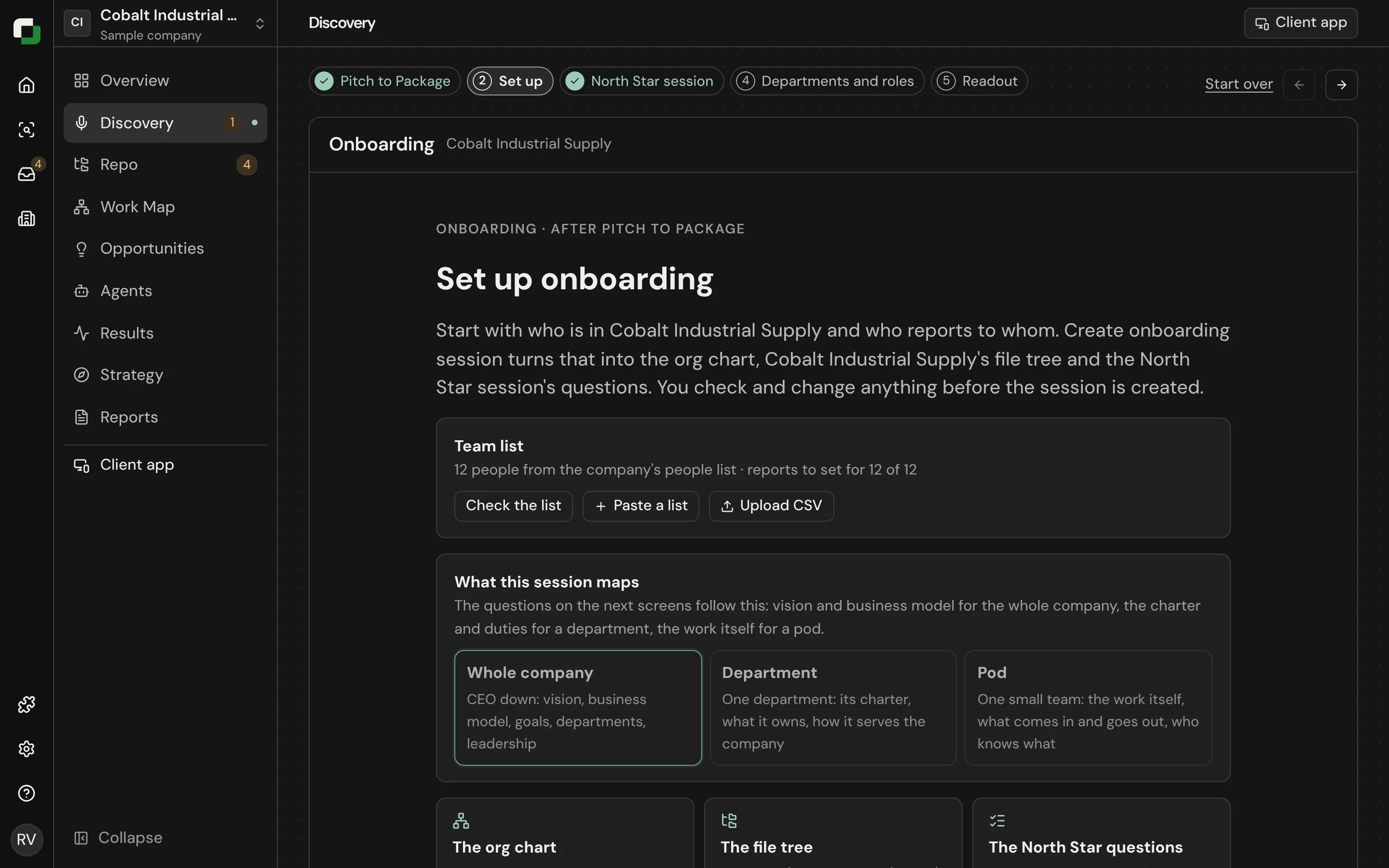
Open a company and you see its steps as chips across the top: Pitch to Package, Set up, North Star session, Departments and roles, Readout.
The six steps
| Step | You do | The client does | You are done when |
|---|---|---|---|
| 1. Pitch to Package | Research the company, plan and run the call, send the package | Takes the call, reads the package, says "We're ready to start" | The sponsor has committed |
| 2. North Star session | Load the team list, run the session or paste its transcript, check the write-up | The sponsor answers the top-level questions | The session is saved |
| 3. Org chart and role profiles | Check each drafted role profile, starting at the top | Each manager checks the profiles of their reports | Every profile is approved |
| 4. The client app | Send each person their link | Each person checks their profile and answers their questions | Everyone's part is saved |
| 5. Task Cards | Help people who are stuck, check the cards | Each person writes Task Cards for their own work | Each person has confirmed cards |
| 6. Readout | Review the report, share it, propose the next stage | The sponsor reads it with their team | The sponsor has signed off |
After the Readout, the map is kept current.
Rules that apply at every step
- Top down. A level opens only when the level above it is saved. Never guess who someone's manager is.
- The person owns their answer. You can type an answer for someone, but it is marked as done by the advisor until they say it looks right.
- Never block intake. Anything a client sends is saved, even when it is rough. Tidy it afterwards.
- No timers on people. The org chart shows whose turn it is. It does not show how long someone took.
- Role files are lasting. A role profile describes the role for years. Put this quarter's work on the dated "Right now" line. See Company Repo and DutyGraph Agent.
- Say what is built. Check Built and planned before you promise a feature.
Before your first engagement
- Read How it all fits together.
- Open the sample company (Cobalt) and click through every step.
- Follow the training path.
- Connect your AI with the Quickstart.
Tools you use
| Tool | Use it for |
|---|---|
| The advisor dashboard | Everything. Each step has its own page. |
| DutyGraph Agent™ | Drafting documents and questions for the page you are on, and finding the constraint on the Work Map |
| The Work Map | Seeing where work breaks and waits, confirming workflows, and asking a person about one hand-off |
| The CLI | Setting up a prospect, importing a team, filling onboarding from a file, pulling the Company Repo |
| Your AI over MCP | Asking about a company in plain words, and doing the same things as the CLI |
| Playbooks | Short recipes for common jobs |