
Appearance
6. Readout
This page is for: advisors and forward-deployed engineers, who work in the advisor dashboard.
Built
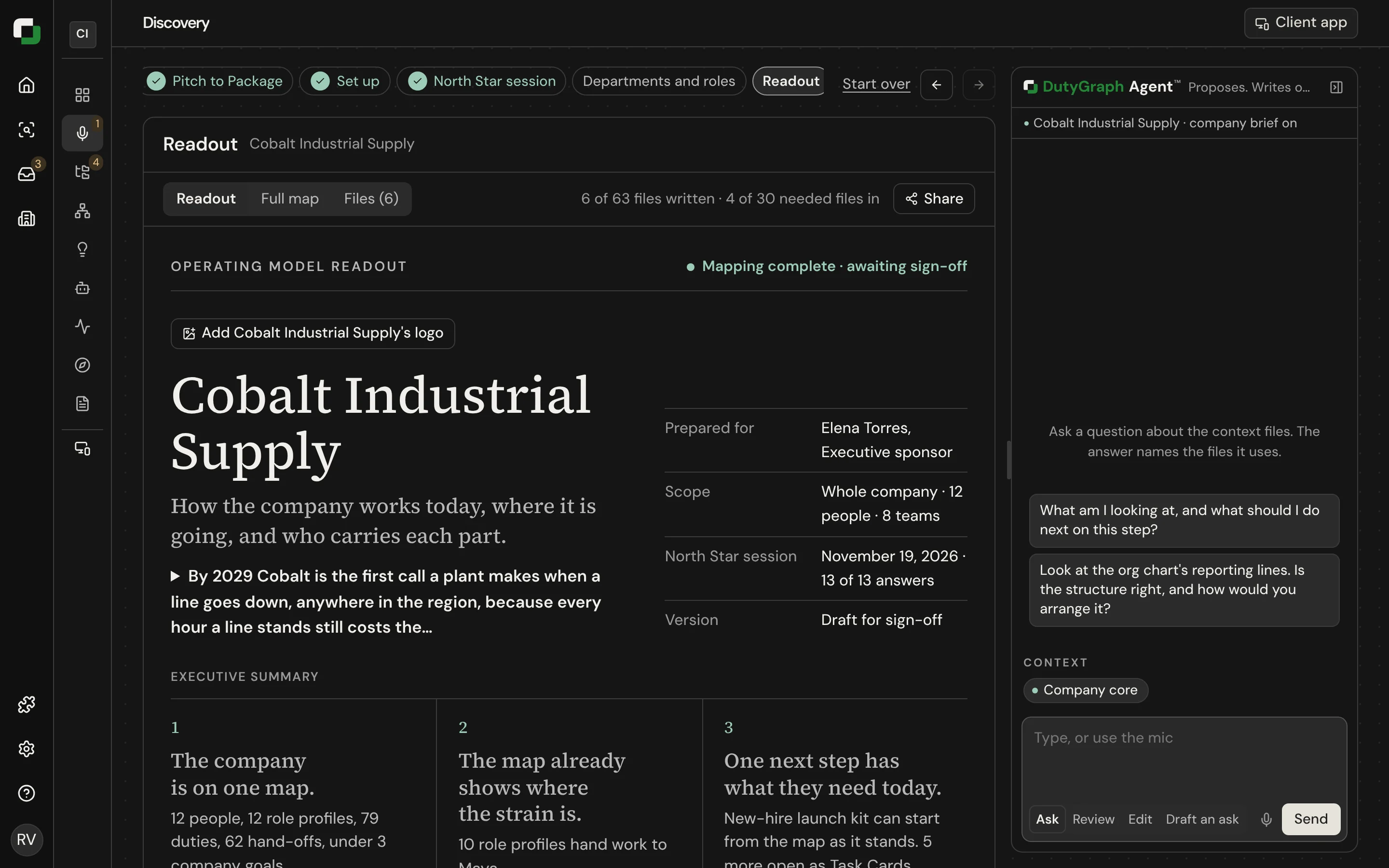
The Readout is what the mapping fee pays for. It shows the sponsor that the company is mapped, what was found, and what the map makes possible next.
What is in it
| Section | What it shows |
|---|---|
| Cover | The company name, who it was prepared for, the scope and the version, with a short executive summary |
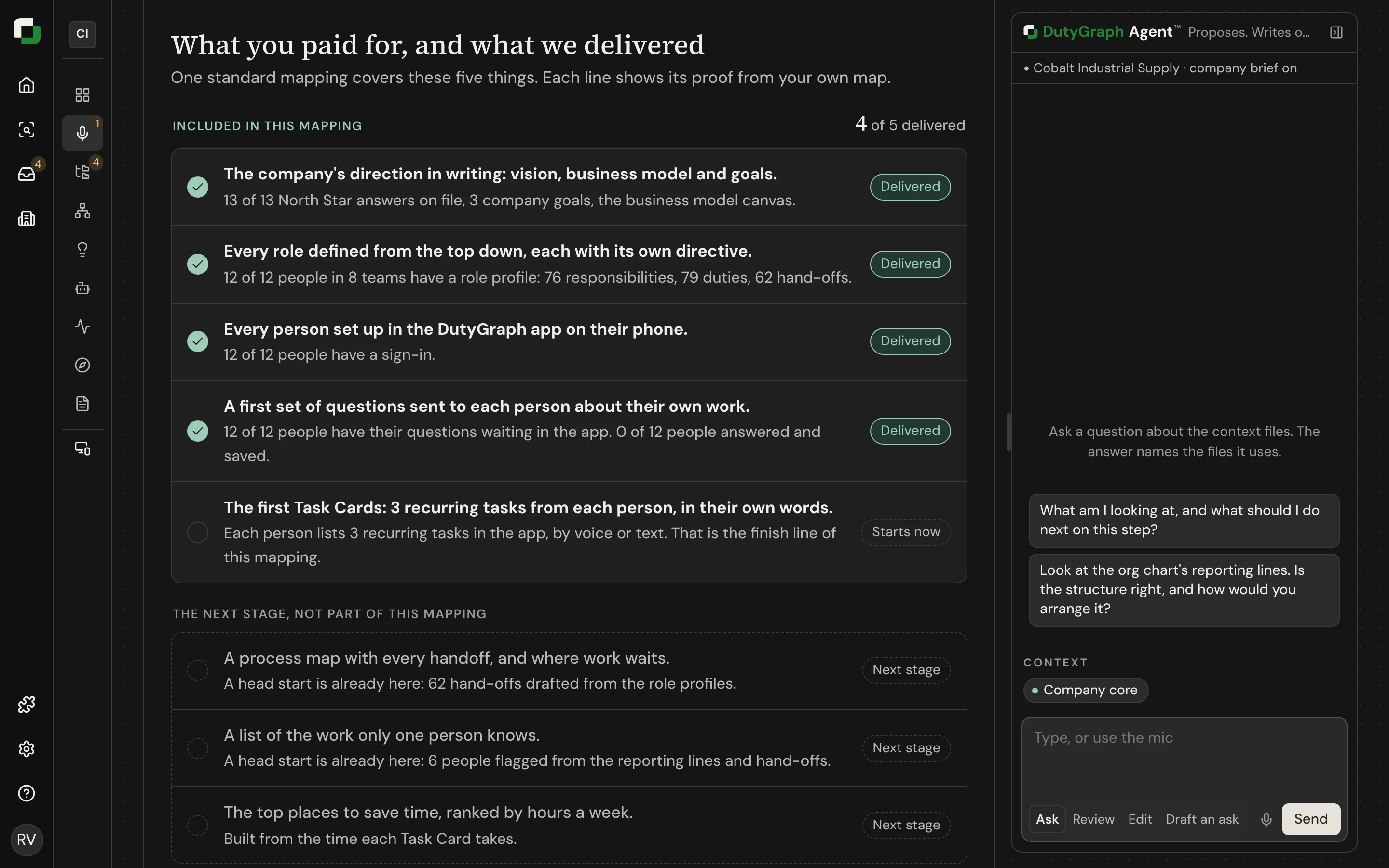
| What you paid for, and what we delivered | The lines of the standard mapping scope, each with its proof and status |
| What we mapped | People, role profiles, duties, responsibilities, hand-offs, goals, files and Task Cards |
| Your company on one page | Goals with their owners, the business model, and the org chart |
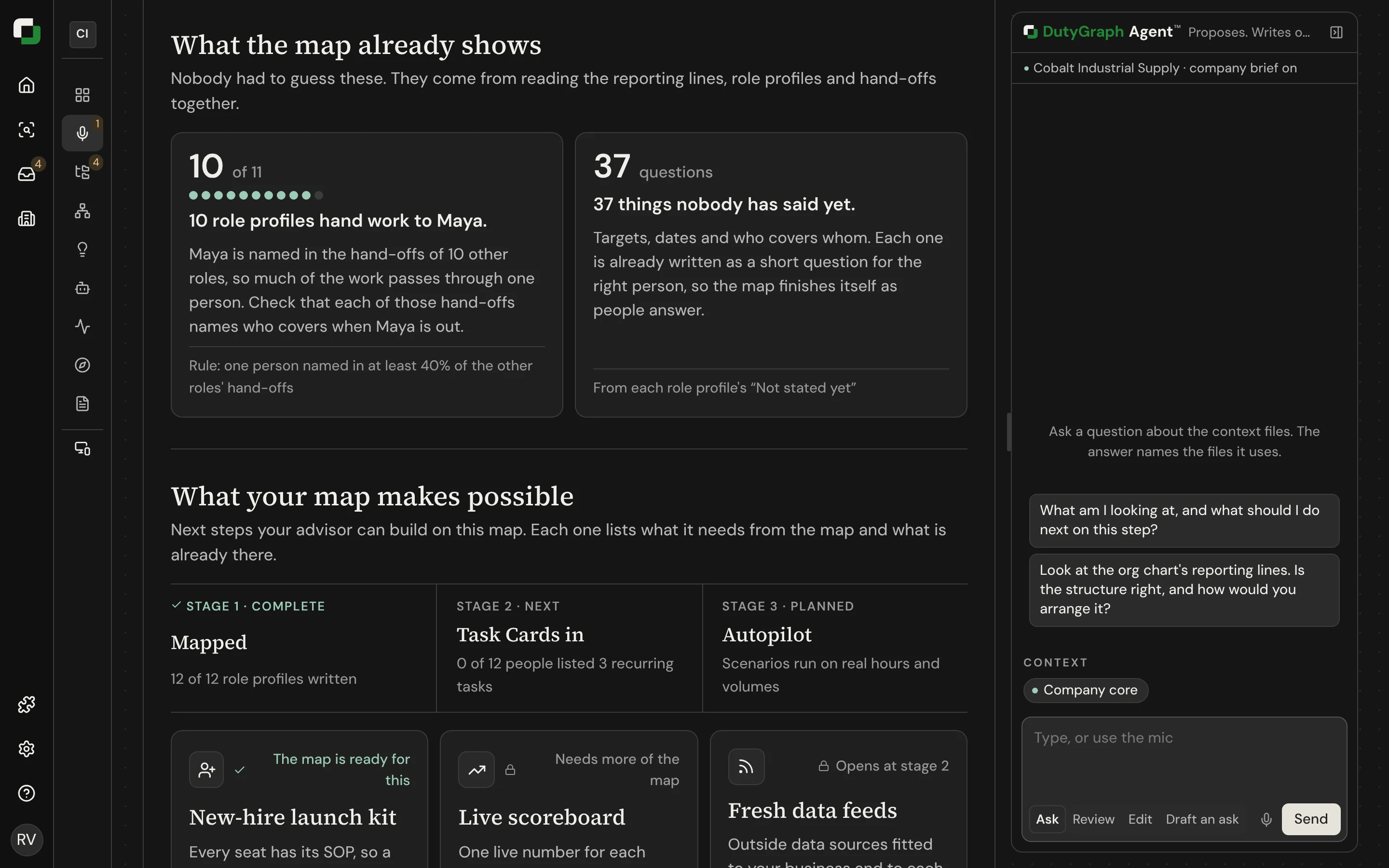
| What the map already shows | What the rules found, for example a goal with no number, or too many people reporting to one person |
| What your map makes possible | The next stages, with what is ready now and what opens later |
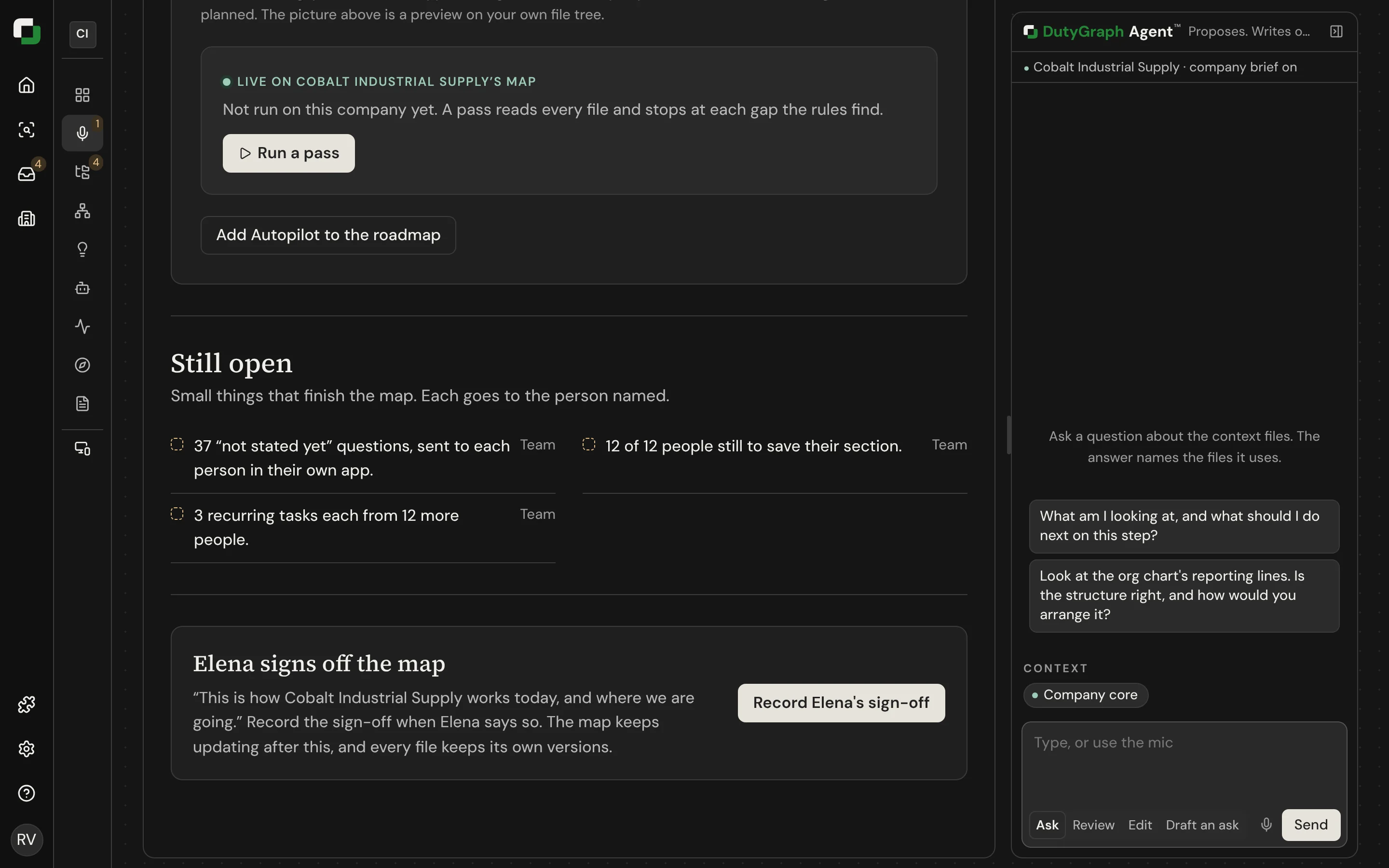
| Still open | Points the company has not stated |
| Sign-off | The sponsor confirms the Readout |
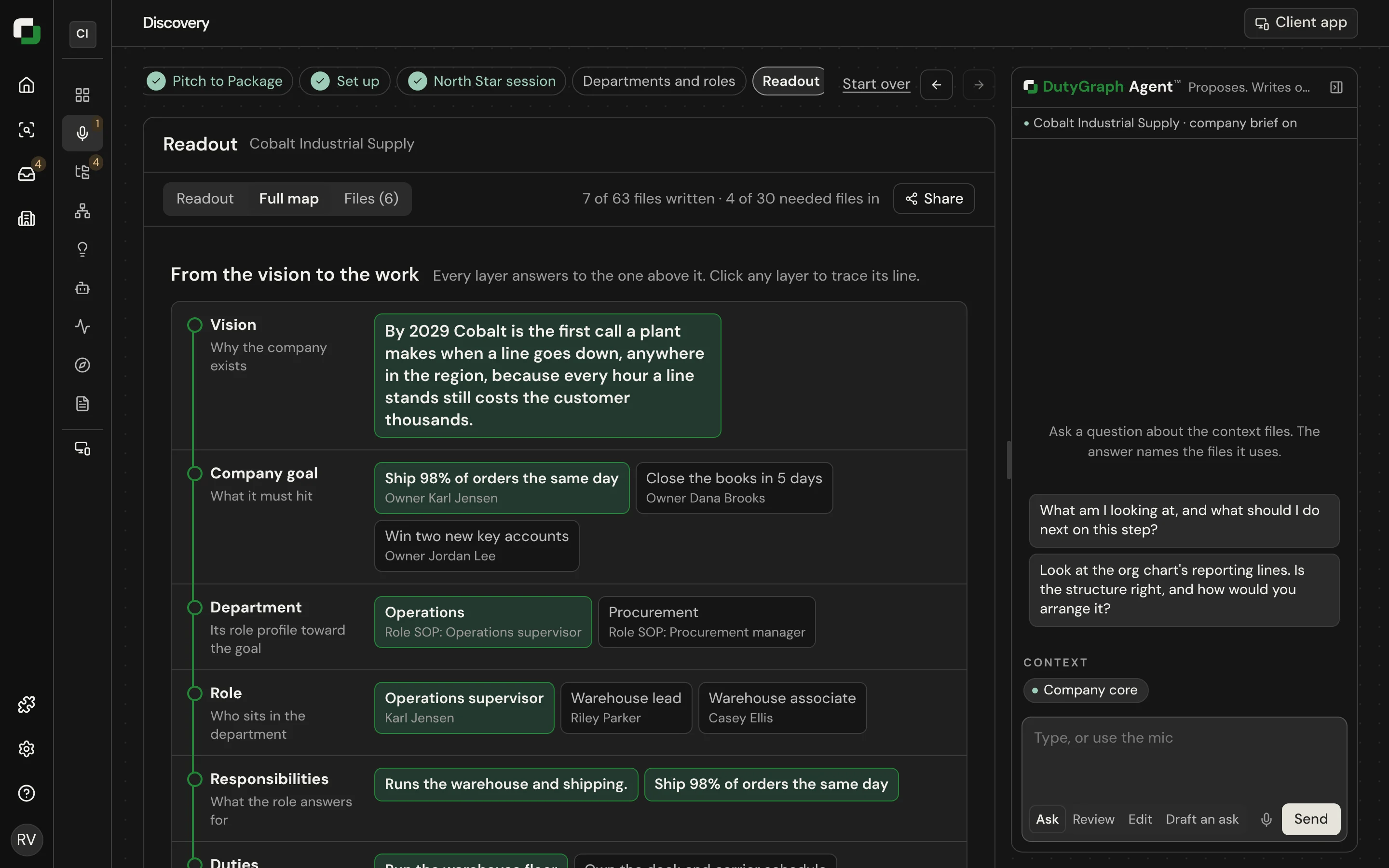
The Full map tab holds every file.
Deliver it
- Read it yourself first. Fix thin role profiles before the sponsor sees a count that looks low.
- Add the company's logo.
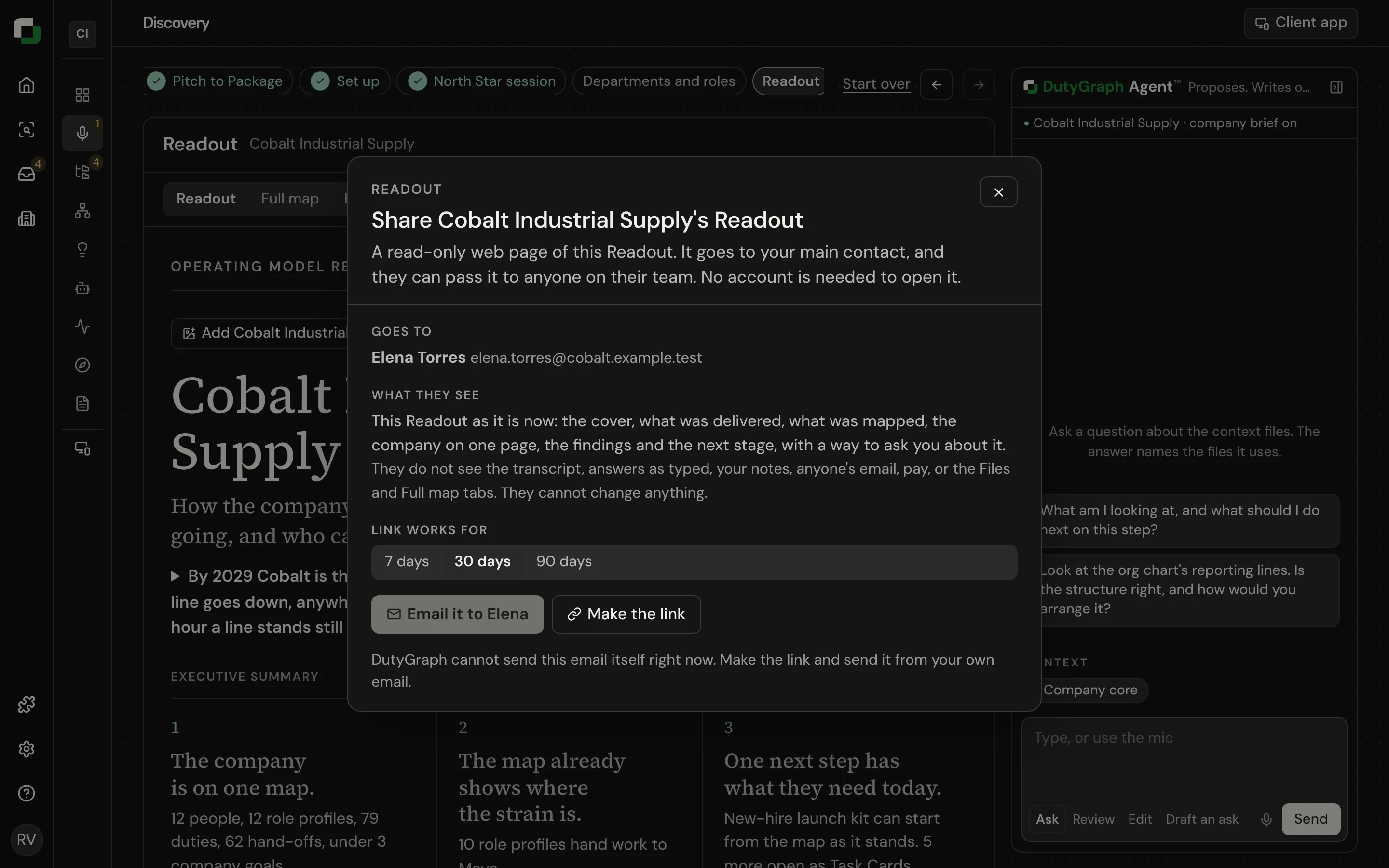
- Share it with the main contact by link, email or QR code. The link can be forwarded.
sh
dutygraph onboarding readout --out readout.mdThis gives you the same content as one Markdown document.
Not built yet
- A PDF of the Readout Planned
- A next-phase proposal made from the picks Planned
- Labels in the app still mark the later stages as planned. Do not present them as live.