
Appearance
2. North Star session
This page is for: advisors and forward-deployed engineers, who work in the advisor dashboard.
Built
The North Star session is the top of the map. The sponsor answers questions about where the company is going. Everything below, from department charters to Task Cards, traces up to these answers.
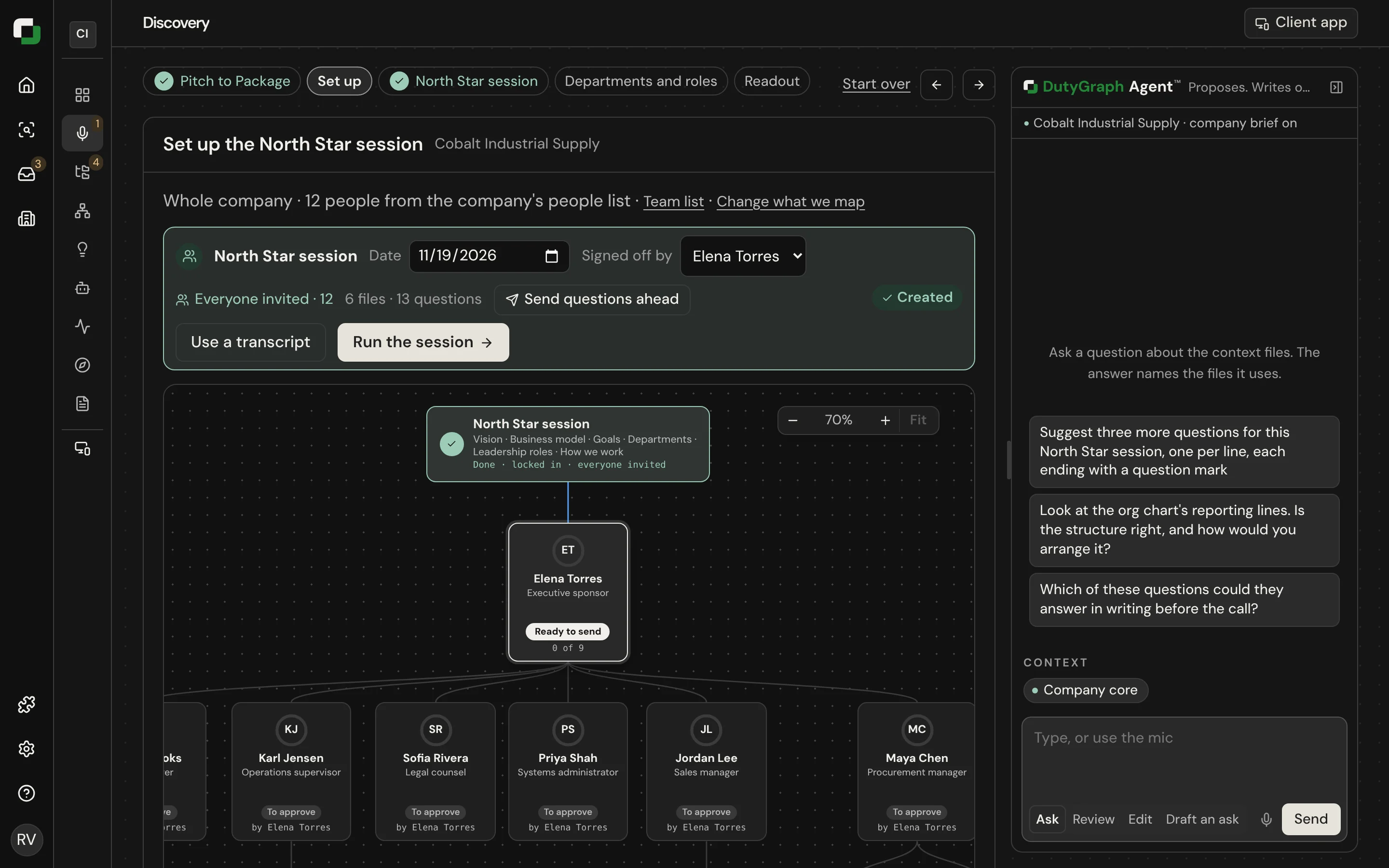
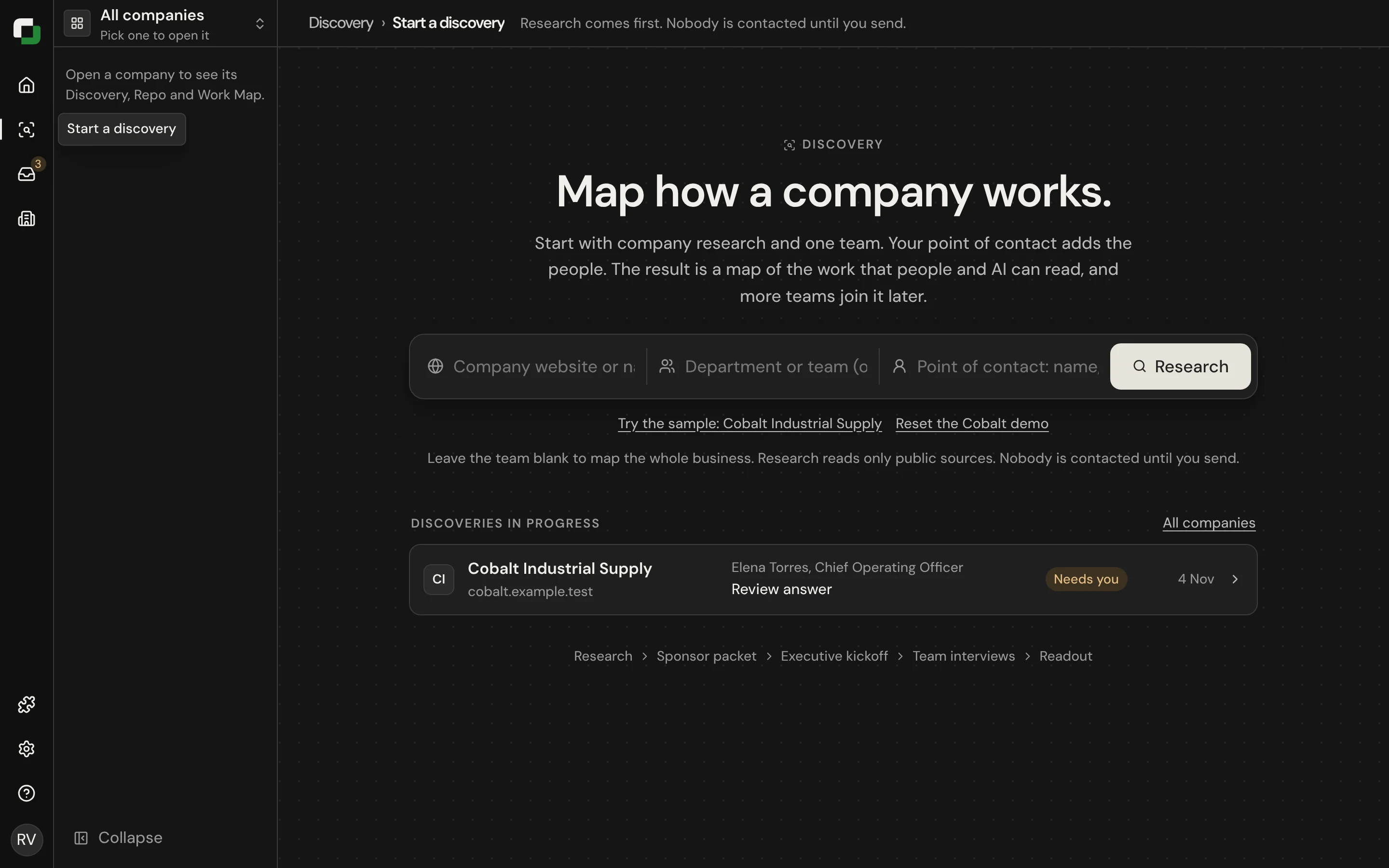
Set up
Open Set up and select Create onboarding session.
- Choose the scope: whole company, one department, or one pod. The whole-company set asks about vision and the business model. A department set asks about its charter, its duties and how it serves the company. A pod set asks about the work.
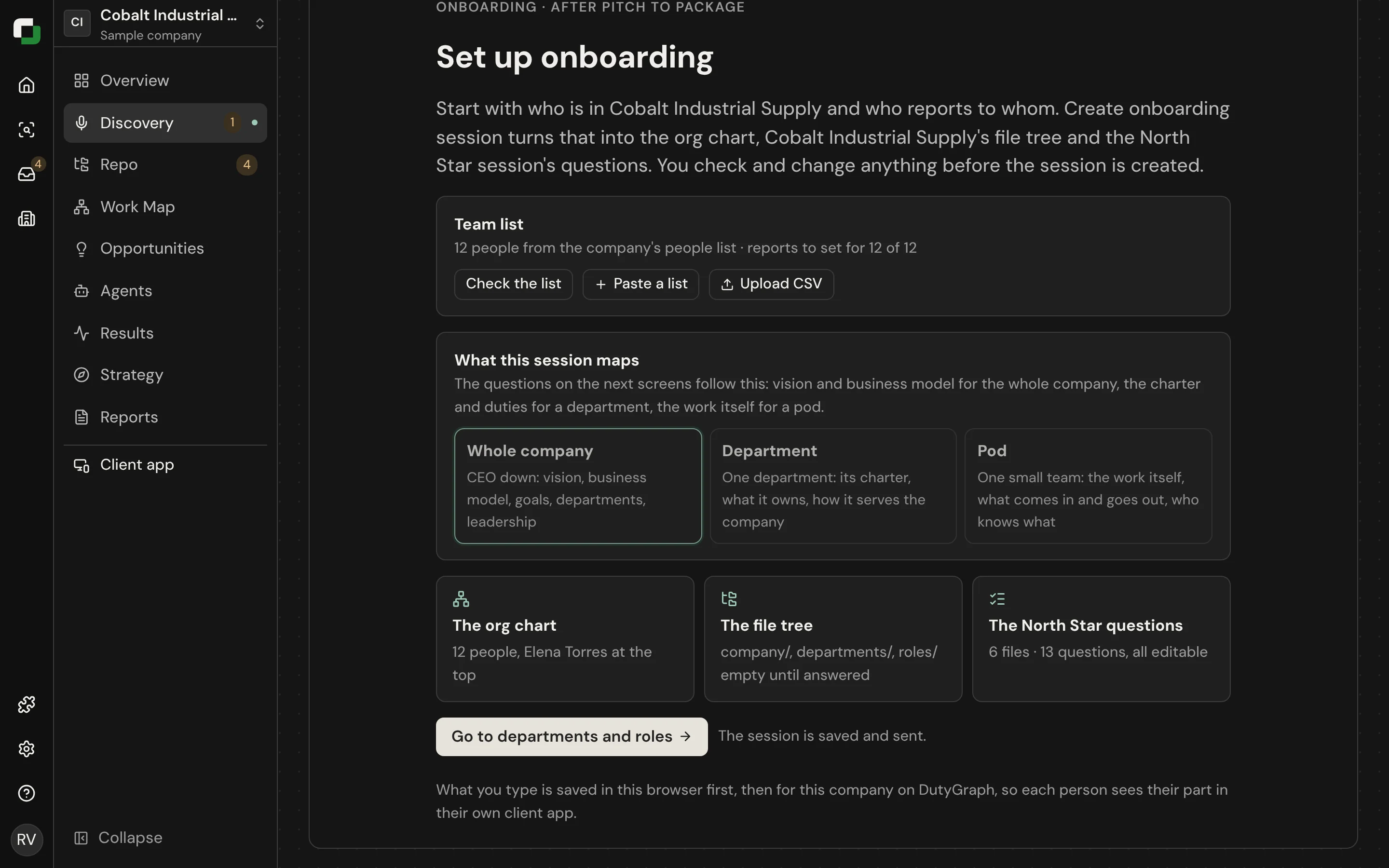
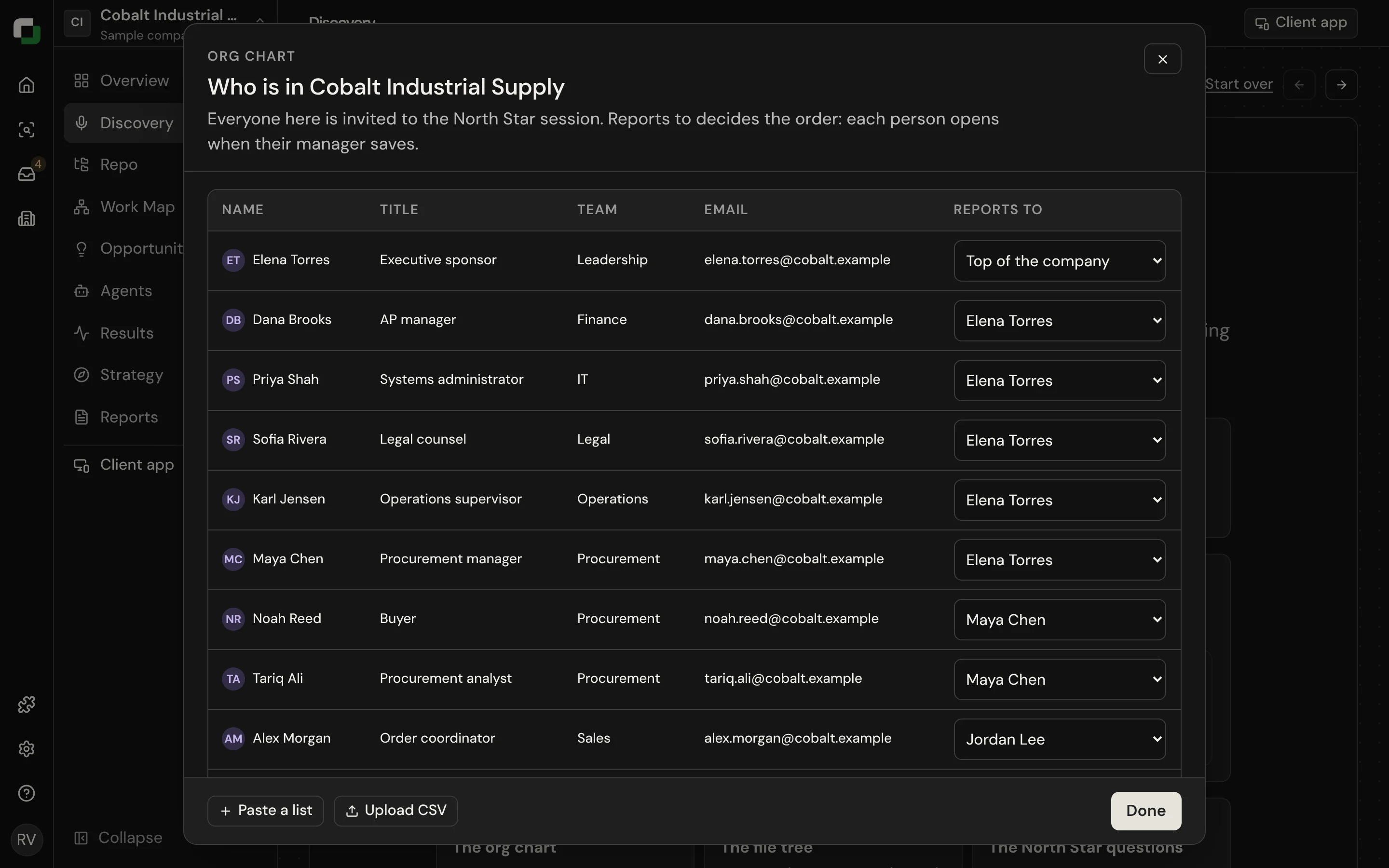
sh
dutygraph roster import ./team.csv            # preview
dutygraph roster import ./team.csv --apply --yes
Importing a team creates people. It invites nobody.
The questions
A whole-company session has 15 questions in five parts. The questions ask for real events and for numbers, not for statements. They include:
| Topic | What the question asks |
|---|---|
| Purpose | Who would miss the company most if it closed tomorrow, and what they would lose |
| The destination | The number that shows the company has arrived |
| Goals | Each goal, with its number today |
| The lines nobody crosses | What gets a person let go, even when their numbers are good |
| Why you win | Why the last three wins picked the company, and who it loses to |
A session that was created before November 12, 2026 keeps its 13 questions. A new onboarding, or Start over, gets the 15 questions. On a sample company, Undo start over brings back the onboarding as it was before Start over, in the same browser, until a new onboarding is created.
Three ways to run the session
| Way | When to use it | Status |
|---|---|---|
| Run it live | You are in the room or on a call. One question per screen, with Back and Next. | Built |
| Use a transcript | The session already happened. Paste the transcript and select Run transcript. | Built |
| Send it to people | The sponsor answers on their own, in their app, and submits. | Built |
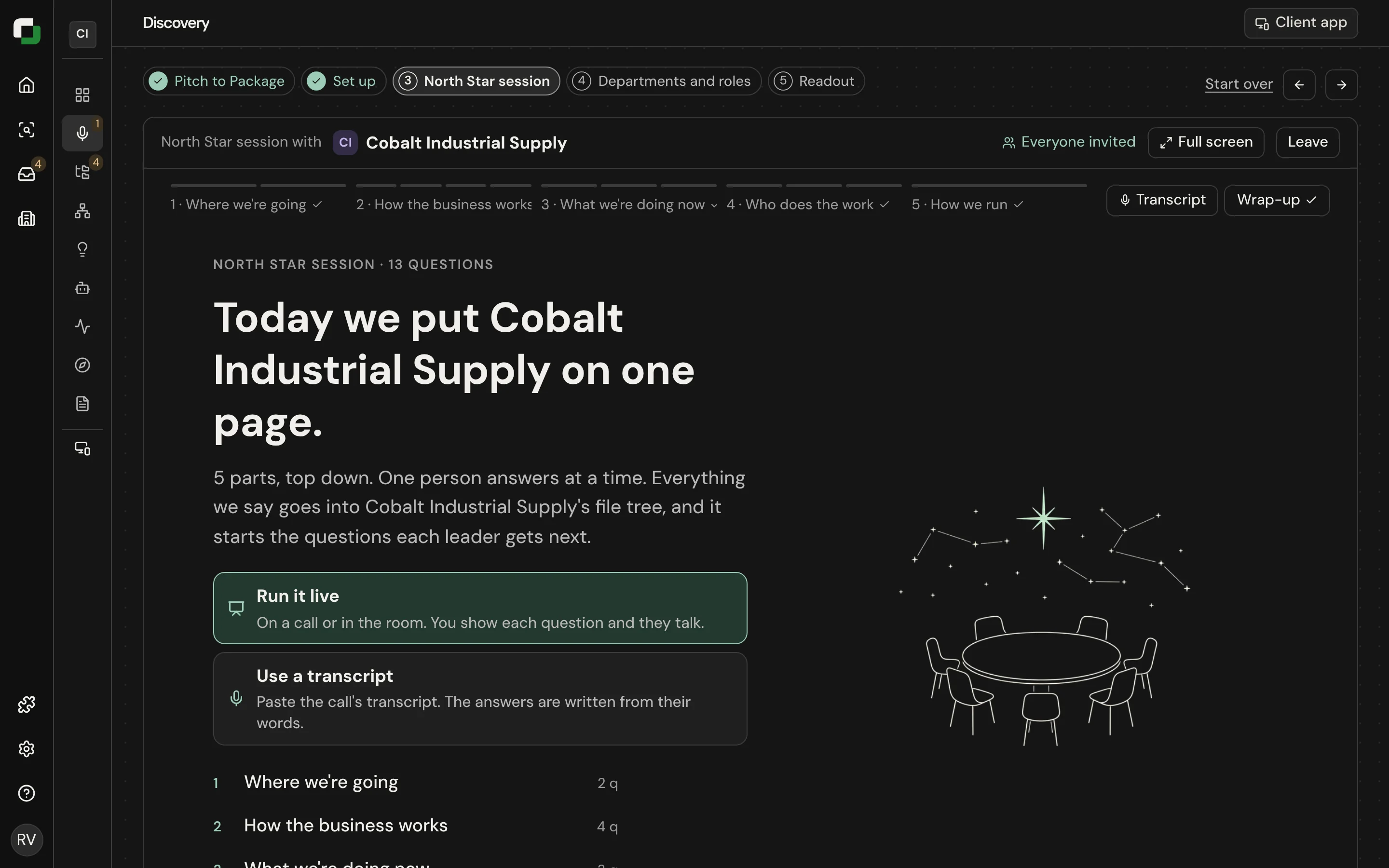
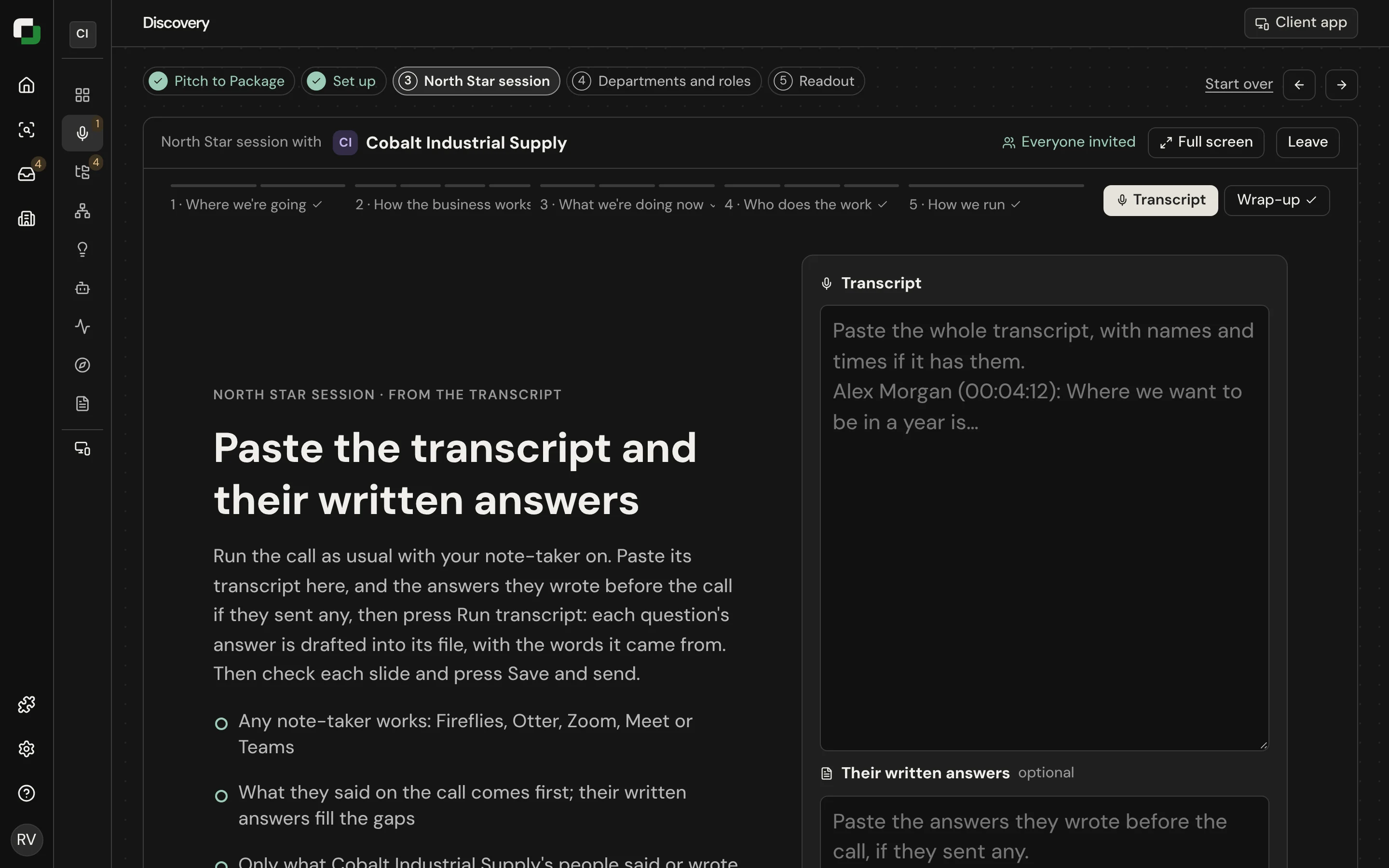
A partner firm that already ran its own executive session can load the output directly:
sh
dutygraph onboarding fill north-star.md --apply --yesThe file uses the Readout's own shape: # <file name>, then ## <what the question fills> with the answer under it. Only the questions in the file change.
Wrap up
The Wrap-up tab shows every answer as it will be saved. Read it with the sponsor. The answers are written into files such as the vision, the business model and the goals.
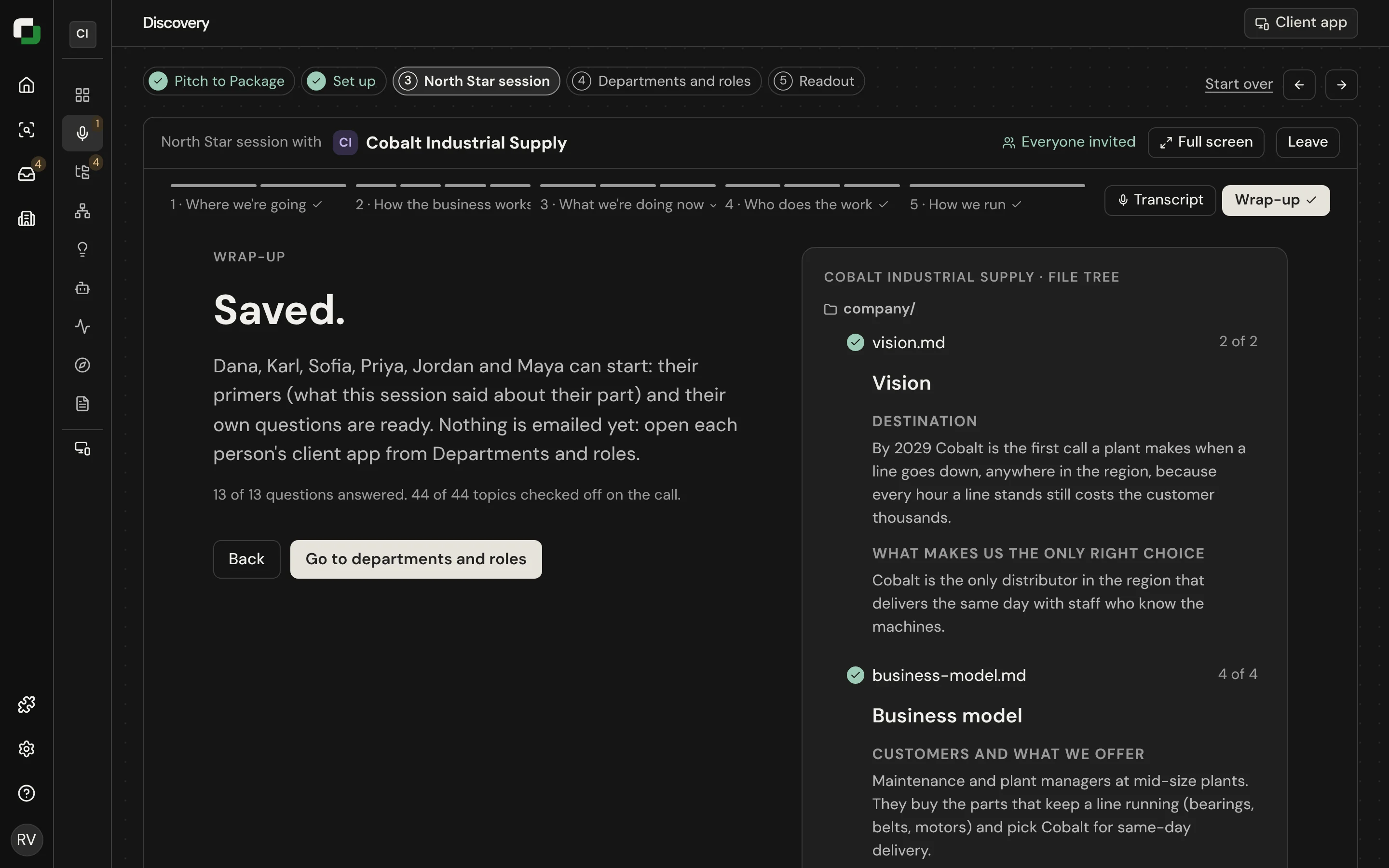
Select Save and send. The CEO's node on the org chart then shows as their turn.
Good practice
- Send the questions to the sponsor ahead of the session so they can prepare.
- Ask for numbers. A goal with no number and no owner is flagged later as a gap.
- If the sponsor does not know, save "not stated yet". Do not fill it with a guess.